
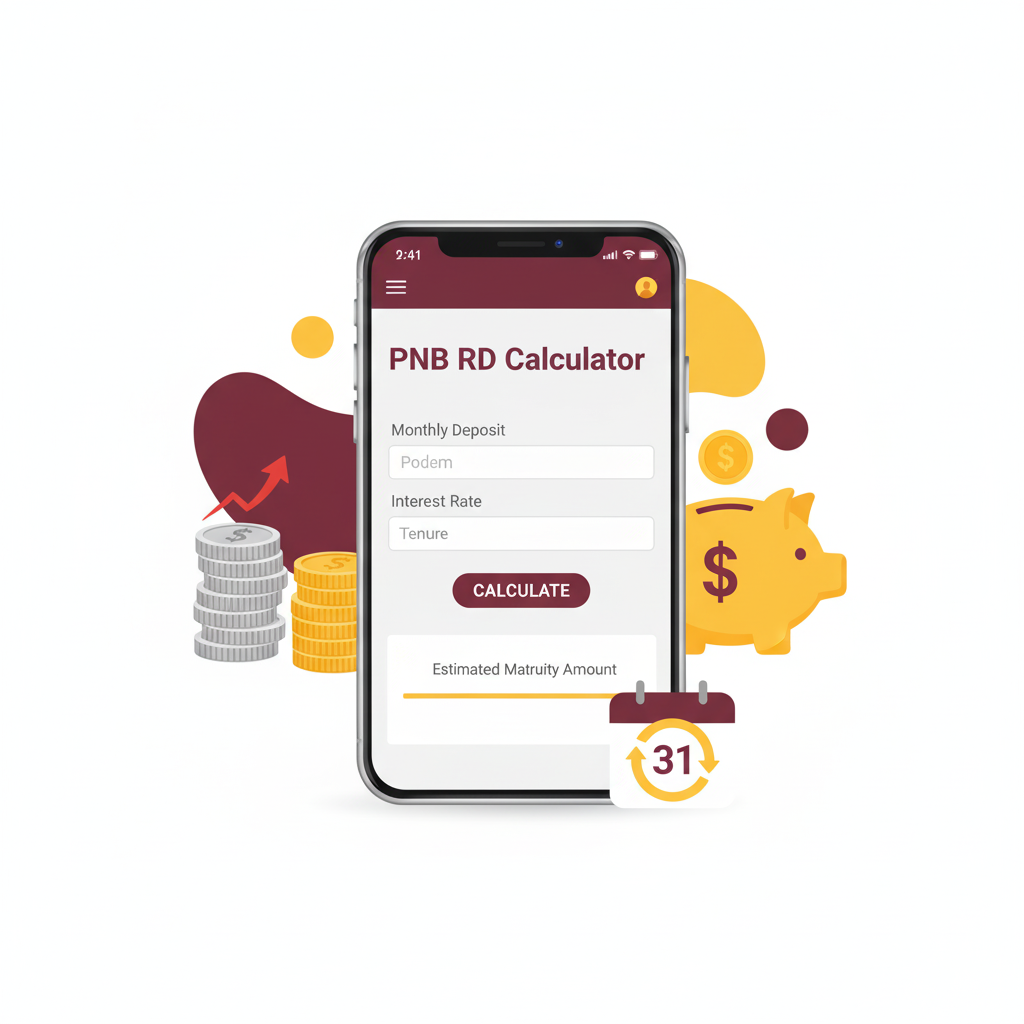
PNB RD Calculator
Calculate your Recurring Deposit returns
Enter the amount you plan to deposit every month
Current PNB RD rate is around 6.5% per annum
Select the duration of your RD
Calculation Breakdown
This calculator provides estimates only. Actual returns may vary based on Punjab National Bank’s current rates and terms.
Recurring deposits are one of the simplest, safest, and most dependable ways to build a disciplined savings habit. For many bank customers, especially those who prefer predictable returns and low risk, a recurring deposit (RD) from a trusted bank like Punjab National Bank (PNB) is a go-to choice. A PNB RD calculator helps savers quickly estimate what their RD will grow to at maturity, how interest is applied, and how different tenures or monthly contributions affect the final corpus. This guide explains everything about PNB recurring deposits, how a PNB RD calculator works, formulas behind the scenes, practical examples, tax and policy considerations, and tips to maximize your RD returns.
What is a PNB RD and why savers choose it
A recurring deposit with Punjab National Bank involves depositing a fixed amount at regular intervals—typically every month—into an account for a predetermined tenure. At maturity, the depositor receives the principal plus interest earned. RDs are popular because they blend discipline with predictable returns. The main attractions are safety of capital, fixed interest rates, and the ability to start with small monthly commitments.
Key advantages of a PNB RD include:
- Predictable returns with known interest rates for the chosen tenure.
- Low risk — capital is preserved unless the bank defaults (a rare systemic event).
- Suitability for goal-based saving such as a future expense, education, or travel.
- Ease of setup through branch or digital banking channels.
How a PNB RD calculator helps you plan
A PNB RD calculator is an online or app-based tool that simulates the growth of monthly contributions over the selected period at a stated interest rate. Instead of manually applying formulas or estimating by eye, the calculator:
- Computes maturity value quickly.
- Shows total interest earned and effective return.
- Lets you compare scenarios by changing monthly deposit, tenure, or interest rate.
- Helps pick the right monthly deposit amount to reach a savings goal.
Using a calculator removes guesswork and lets you test multiple scenarios to make a data-driven saving decision.
The mechanics: interest calculation for recurring deposits
Understanding how interest is computed helps make sense of what a PNB RD calculator outputs. Interest on recurring deposits is typically compounded; the frequency depends on the bank’s policy. Many banks, including most large Indian banks, use quarterly compounding for RD interest. However, some calculators and financial tools may assume monthly compounding for simplicity. The compounding frequency affects the final maturity amount.
Important terms to know:
- Principal: the sum of monthly deposits over the entire tenure.
- Interest rate: annual nominal rate offered by the bank.
- Compounding frequency: how often interest is added to the deposit (monthly, quarterly, etc.).
- Tenure: the duration of the RD, usually expressed in months or years.
RD calculation formula — an intuitive explanation
There are different ways to derive the RD maturity depending on compounding assumptions. A practical and commonly used approach is to simulate monthly deposits that earn interest until the maturity date.
Conceptually:
- Every monthly deposit is invested for a different period (first deposit earns interest for the entire tenure, last deposit earns interest only for one month).
- The deposit that sits the longest earns more interest; the last deposit earns the least.
- The maturity amount is the sum of all these compounded contributions.
If you prefer a closed-form expression, calculators typically use a formula that aggregates the series of monthly compounded values. Whether you use a closed formula or a simulation, the output must be internally consistent and reflect the compounding convention.
Realistic assumptions to pick in a PNB RD calculator
Before running numbers, set assumptions and be explicit about them so results align with reality:
- Interest rate: use the rate PNB is currently offering on RD for the chosen tenure. Rates may change by tenure and market conditions.
- Compounding frequency: choose quarterly compounding for conservative alignment with common bank practice, or monthly compounding if the tool specifies it.
- Deposit timing: whether the deposit is made at the beginning or the end of each month. Many calculators assume deposits at the beginning of the period; some assume end-of-month.
- Taxation: RD interest is taxable and may be subject to TDS if interest exceeds threshold limits. For true after-tax returns, factor in your marginal tax rate.
- Premature withdrawal: early closure usually reduces interest; read PNB’s premature withdrawal rules and penalties.
Step-by-step guide to using a PNB RD calculator
A PNB RD calculator typically has input fields and results. Follow these steps for a reliable estimate:
Choose monthly deposit
Decide the amount you can comfortably save every month. Think in terms of goals and affordability.
Pick the tenure
Tenure is usually between 6 months to 10 years depending on bank policy. Longer tenures typically yield higher total interest but lock your funds longer.
Input the interest rate
Use PNB’s published RD rate; rates can differ by tenure. If you are using a generic calculator, plug in the currently applicable PNB rate.
Select compounding frequency
If calculator offers an option, choose quarterly to align with many bank practices. Otherwise, use monthly.
Run the calculation
The tool returns the maturity amount, total interest earned, and sometimes the annual equivalent return.
Interpret the results
Check whether the total corpus meets your goal. Use the calculator iteratively to adjust monthly savings or tenure to reach the desired final amount.
Practical examples using a PNB RD calculator
Below are practical scenarios to illustrate how monthly savings grow over different tenures and rates. For clarity we assume monthly compounding with deposit at the beginning of each month. These examples are illustrative; actual PNB rates and compounding conventions should be verified on the bank’s site or with the bank’s official calculator.
Example scenario one — small disciplined saver
A monthly deposit of INR 2,000 for 5 years at an assumed annual rate of 6.5 percent yields a maturity corpus around INR 142,113. This includes both the principal contributions and compound interest accumulated over the tenure. The effective growth highlights how even modest monthly allocations compound into a meaningful corpus with consistency.
Example scenario two — mid-level saver aiming shorter
Depositing INR 5,000 every month for 3 years at an assumed rate of 7 percent produces a final corpus in the vicinity of INR 200,815. Shorter tenures can still produce good results if you can contribute a higher monthly amount and if the interest rate is attractive.
Example scenario three — long-term low monthly deposit
A disciplined plan of INR 1,000 monthly for 10 years at 5.5 percent can grow to around INR 160,239. Long horizons magnify the compounding effect even with smaller monthly contributions.
These examples show that tenure, monthly deposit amount, and interest rate interact to determine the final outcome. The calculator lets you experiment and find a combination that matches your goal and risk preference.
How to interpret calculator outputs in decision making
A PNB RD calculator usually provides:
- Total amount invested (sum of monthly deposits).
- Maturity amount (principal + interest).
- Total interest earned.
- Sometimes effective annualized yield (useful for comparisons with other instruments).
Use these outputs to:
- Compare RD versus other fixed income products.
- Decide whether you should increase monthly deposits or extend tenure.
- Plan for taxes and net returns to match real financial goals.
Taxation on RD interest and TDS considerations
RD interest is taxable as per your income tax slab in India. The bank pays interest to you but may deduct TDS if interest in a financial year exceeds the threshold specified by tax rules. To factor taxes when using a PNB RD calculator:
- Estimate gross interest earned and apply your marginal tax rate to find tax liability.
- If TDS is deducted and you expect to have refunds or different tax liability, maintain tax documentation to claim adjustments at filing.
Being conservative in net-return estimates helps avoid surprises and ensures better financial planning.
Premature withdrawal, loan against RD, and policy considerations
PNB, like other banks, may permit premature withdrawal of RD with a reduced interest rate. Additionally, some banks allow taking a loan or overdraft facility against an RD in certain conditions. Key policy points to check with PNB:
- Penalty on premature withdrawal and revised rate applied.
- Lock-in periods, if any, for special promotions.
- Whether the bank allows nomination and online closures.
- Documents required for RD opening, closure, or transfers.
Always consult the latest PNB product brochure or customer service for current policy details.
Compare PNB RD to other fixed-income choices
When deciding whether to place money in a PNB RD, compare it with:
- Fixed deposits (FDs): FDs often allow a lump-sum deposit and can offer slightly higher rates for certain tenures. RD is for disciplined monthly saving.
- Post office RD schemes: Comparable safety, sometimes different rates and tax considerations.
- Systematic Investment Plans in mutual funds (SIP): SIPs carry market risk but can offer higher long-term returns. RDs are safe and predictable.
- Monthly income schemes and senior citizen schemes: Designed for specific needs and demographics.
A PNB RD is suitable for conservative savers who prefer stability, while other instruments suit different risk appetites.
How to choose the right monthly contribution and tenure
To pick the right monthly deposit and tenure:
- Define your goal with a target corpus and a deadline.
- Use the PNB RD calculator to reverse-engineer the monthly deposit required to reach the target at a given interest rate and tenure.
- If your target needs a high monthly amount, consider extending tenure or increasing contributions gradually.
- Review liquidity needs; longer tenure reduces liquidity but improves compounding benefits.
Practical tips to maximize RD returns
Maintain discipline
Consistent monthly deposits are the foundation of RD success. Setting up a standing instruction from your savings account reduces the chance of missed contributions.
Time your deposits
Begin as early as possible to benefit from the full compounding window. Delays reduce the time earlier deposits have to earn interest.
Watch the interest rate cycles
Banks may revise RD rates periodically. If market rates rise, future RDs might offer better returns; if you hold multiple instruments, consider staggered contributions.
Factor in inflation
RDs deliver nominal returns. For real wealth preservation, compare RD returns with inflation to determine the real return and adjust your allocation accordingly.
Use the calculator for scenario planning
Test multiple rates and tenures in the PNB RD calculator to understand sensitivity. This helps plan for rate changes or personal cashflow shifts.
Common mistakes while using an RD calculator and how to avoid them
Using wrong compounding assumptions
Ensure the calculator’s compounding frequency matches the bank’s convention (often quarterly in bank practice). Mismatches yield different maturity amounts.
Ignoring tax effects
Always calculate after-tax returns for a realistic picture of net gains.
Overlooking premature withdrawal penalties
Make sure you align tenure with expected liquidity demands to avoid early withdrawal penalties.
Assuming static rates for decades
Interest rates can change for new deposits; calculators assume the rate you enter is constant. Plan for rate variability when making long-term commitments.
Setting up a PNB RD — step-by-step summary
The basic steps to open an RD account at PNB:
- Decide the monthly deposit and tenure.
- Check current PNB RD rates for that tenure.
- Visit PNB’s internet banking portal or a branch to open an RD.
- Set a standing instruction (auto-debit) from your savings account to ensure timely deposits.
- Keep nominee details updated and retain the receipt and account details.
Example scenarios that help goal planning
Scenario: Saving for a vacation in three years
If you want INR 120,000 in three years, use the PNB RD calculator to determine how much to save monthly at current RD rates. Adjust tenure or monthly deposit to meet the target and consider partial funds from other savings to reduce monthly pressure.
Scenario: Funding a child’s higher education over ten years
Ten-year horizons magnify compounding. A modest monthly RD contribution plus incremental increases year to year can build a meaningful education corpus.
Scenario: Emergency fund built with RDs
While RDs are not the most liquid instruments, short-term RDs with staggered maturities can form a laddered emergency pool.
How to choose between monthly compounding and quarterly compounding assumptions
If the PNB RD calculator allows choosing compounding frequency:
- Use quarterly compounding to reflect many bank conventions.
- Use monthly compounding when simulating deposits that gain interest monthly.
- Understand that monthly compounding typically produces slightly higher maturity amounts than quarterly compounding at the same nominal rate.
Always note in your plan which assumption you used; this ensures consistency when comparing alternatives.
Frequently Asked Section
Practical checklist before opening a PNB RD
- Confirm the current RD interest rate for your chosen tenure with PNB.
- Decide on compounding frequency assumptions for your calculations.
- Check TDS and tax implications based on your anticipated interest.
- Set an auto-debit instruction so monthly deposits are never missed.
- Keep contact and nominee details up to date in the account.
Closing thoughts — using the PNB RD calculator to build habit and clarity
A PNB RD calculator is a practical, user-friendly tool that helps you convert financial goals into concrete monthly savings plans. It provides clarity on how small monthly contributions grow through compounding. While RDs prioritize safety and predictability, be mindful of taxes, bank policies on premature withdrawal, and compounding assumptions. Use the calculator to plan, iterate, and commit to a disciplined savings path that aligns with your financial goals.